Terminal apps were built for typing commands. Agents changed the job: you start one, switch away, and need to know when it wants you. TxCube is built around that.
Know what every agent is doing
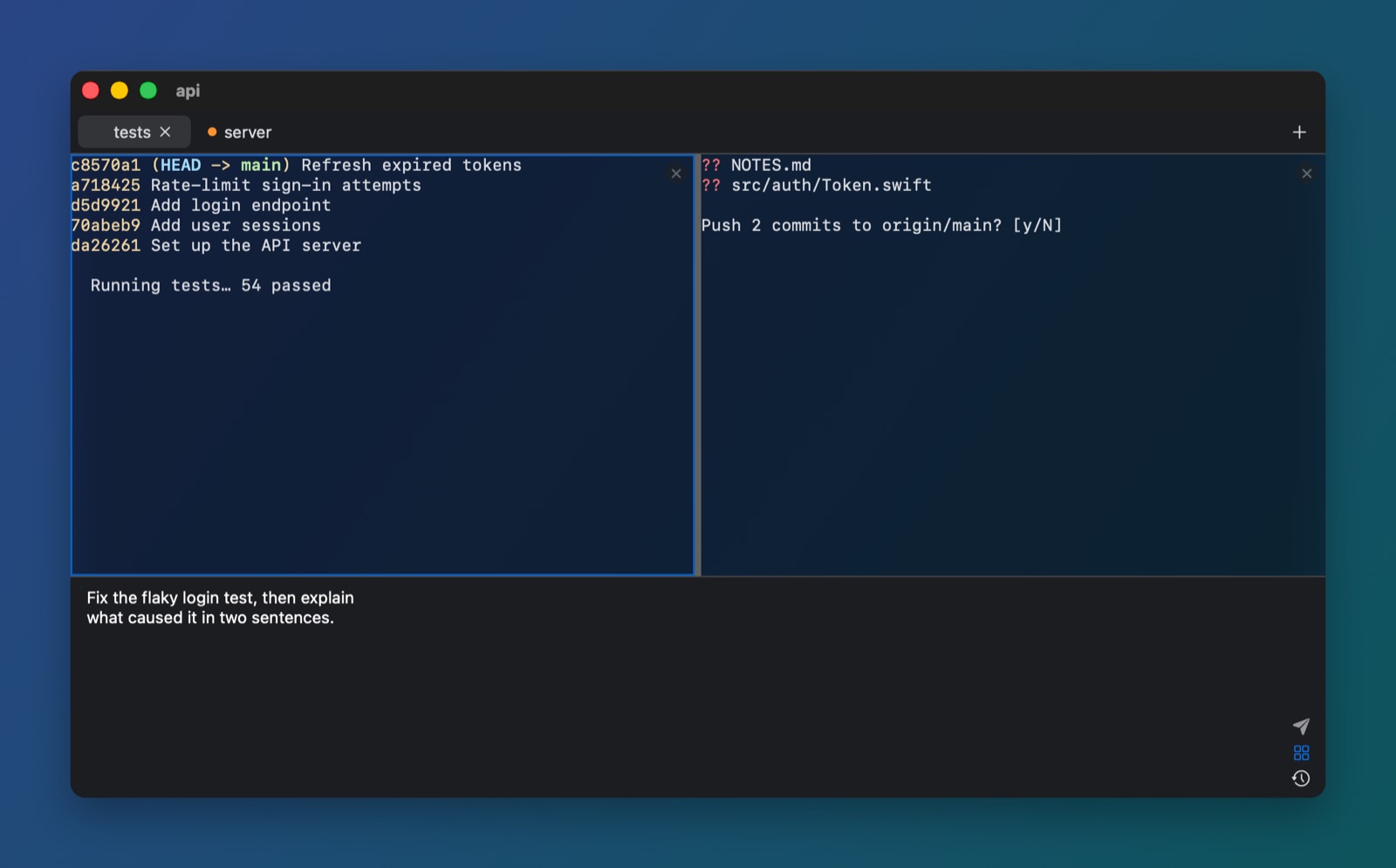
Each tab and workspace shows whether its agent is working, needs you, has finished or failed. When it needs you and you're looking elsewhere, you get a notification and a Dock badge. Click the notification to land on that exact pane.
Works with any program that rings the bell or posts terminal notifications (OSC 9, OSC 777), and reads detailed status from programs that report it (OSC 7501). VoiceOver announces the same changes.
Write prompts in a real editor
Open the composer under the terminal (⇧⌘E) and write a long prompt with proper text editing. ↩ sends it as one message, ⇧↩ adds a line. Walk back through what you sent with ↑, and keep favorite prompts one click away.
⇧↩ also works inside Claude Code itself, with no setup. Drop files on a pane or the composer and their paths arrive quoted, spaces and all.
Run agents in parallel, safely
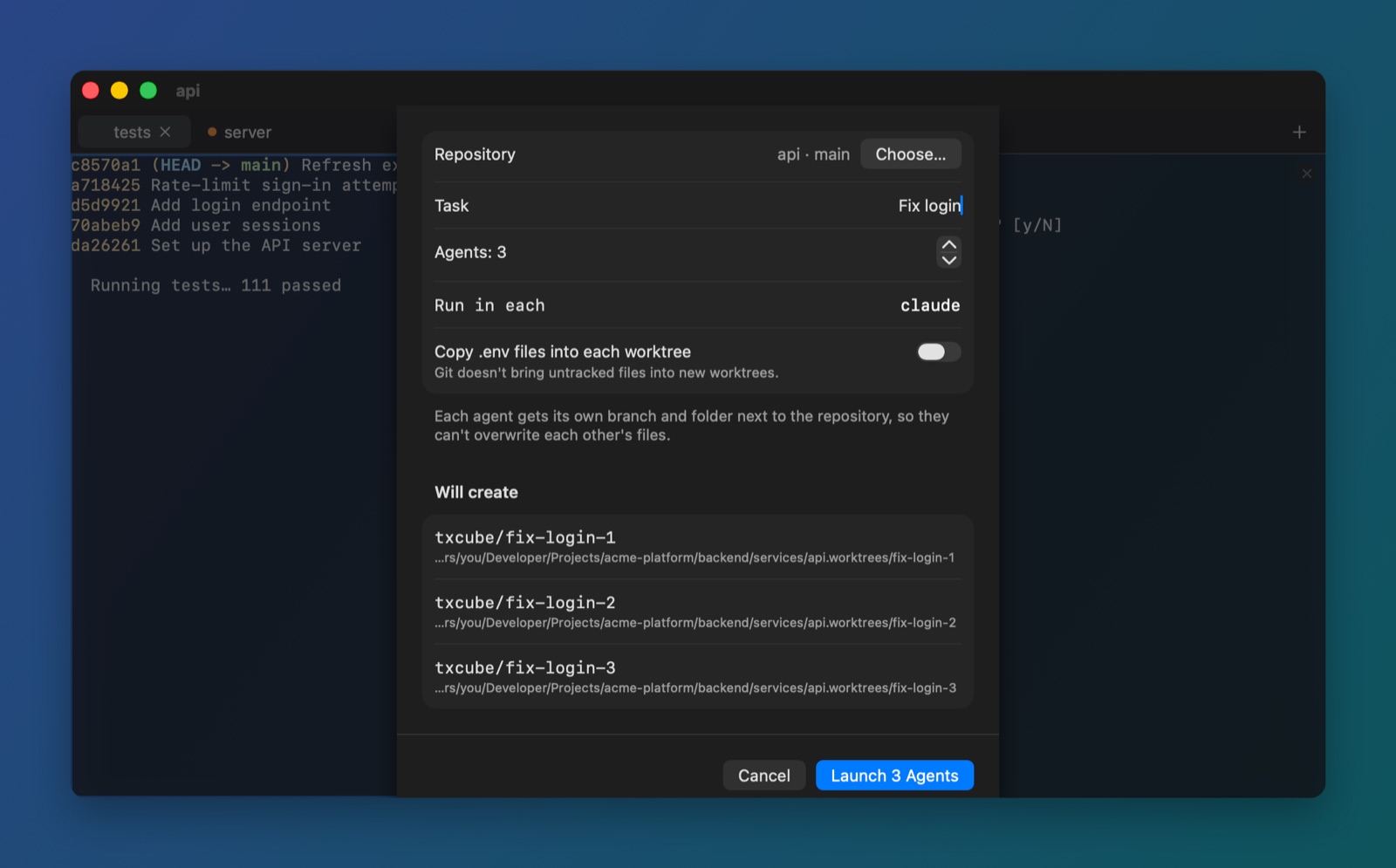
New Parallel Agents (⌥⌘N) starts 2 to 8 agents on one repository, each in its own git worktree and branch, side by side in a new workspace. They can't overwrite each other's files.
If any worktree can't be made, nothing is left behind. Cleaning up later only removes worktrees with no uncommitted work, and never deletes a branch, so every agent's commits stay.
Send one prompt to every pane
Turn on All panes in the composer and one prompt goes to every agent in the tab: "try three approaches" becomes one message, not three.
The switch stays visible while it's on, and the prompt is saved once in your history.
Workspaces that come back
Group the tabs and splits for each project into a workspace. Every open workspace keeps running in the background, and after a restart they all come back: the same tabs, splits and folders, with their commands started again.
Started claude by hand? TxCube notices, and brings it back with claude --continue.
See through it
Set how transparent the window is and add frosted-glass blur behind it. Pick any monospaced font from 8 to 36 points, a light and a dark theme, and your cursor style.
Built-in themes keep text contrast at 4.5:1 or better, and Reduce Transparency and Increase Contrast in macOS are respected.
Click a file to open it at the line
⌘-click src/Login.swift:42 in an agent's output and it opens in VS Code or Xcode at line 42, or in the file's default app. URLs open in your browser.
A click never runs anything: scripts and apps are shown in Finder instead.
Everything from the keyboard
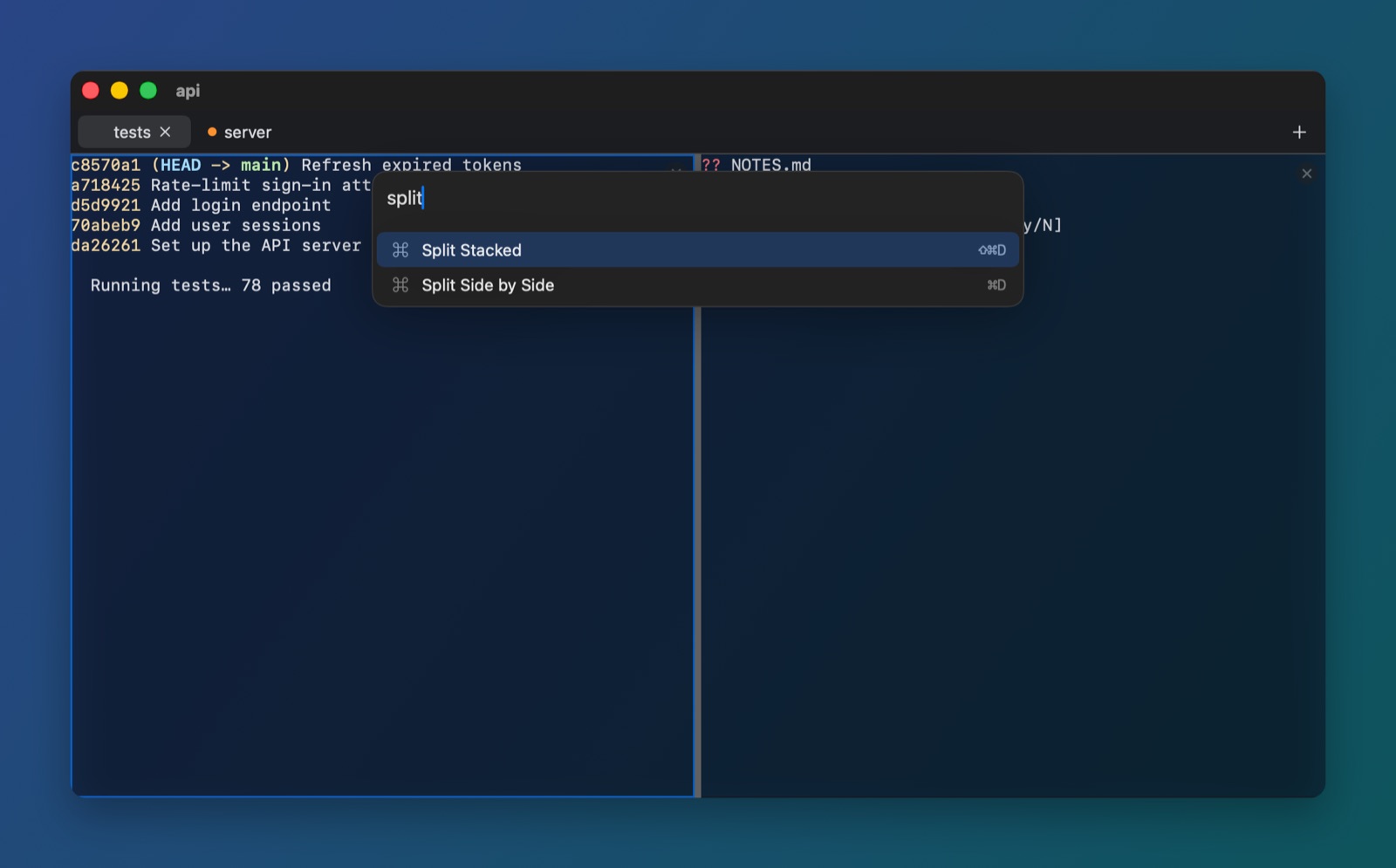
The command palette (⇧⌘P) finds any command, workspace or tab as you type. Splits, pane focus, tabs and workspaces all have shortcuts.
⌘K is left alone on purpose: it means Clear in Terminal and iTerm2.
Hard to lose work
Closing a pane, tab or workspace, or quitting, asks first when an agent is still working or waiting for your answer. Idle shells close straight away.
Your workspaces are saved as plain files, and every saved format is tested to keep loading in future versions.
![A TxCube window with two panes side by side: on the left a git log and tests running, on the right a program asking 'Push 2 commits to origin/main? [y/N]'. A second tab, 'server', has an orange status dot.](assets/screens/workspaces.jpg)